Marketplace listing
Marketplace
Free
15% on marketplace bookings
Card processing included
- Unlimited marketplace listings
- Bookings, calendar & payments
- Guest CRM basics
- Ratings & reviews

Built for golf cart rental operators
Your rental day, from the first booking to the last cart returned. Manage your fleet, delivery details, handoffs and payments from a phone or computer.
Free marketplace listing · Storefront OS $99/month · Processing included
Bookings
One calendar for each cart
Operations
Handoffs, delivery and returns
Payments
Receipts and payout visibility
A rental day, step by step
Your guest books online. Your team runs the rental from the Host App. Storefront OS adds your own rental website and the fleet operations tools below.
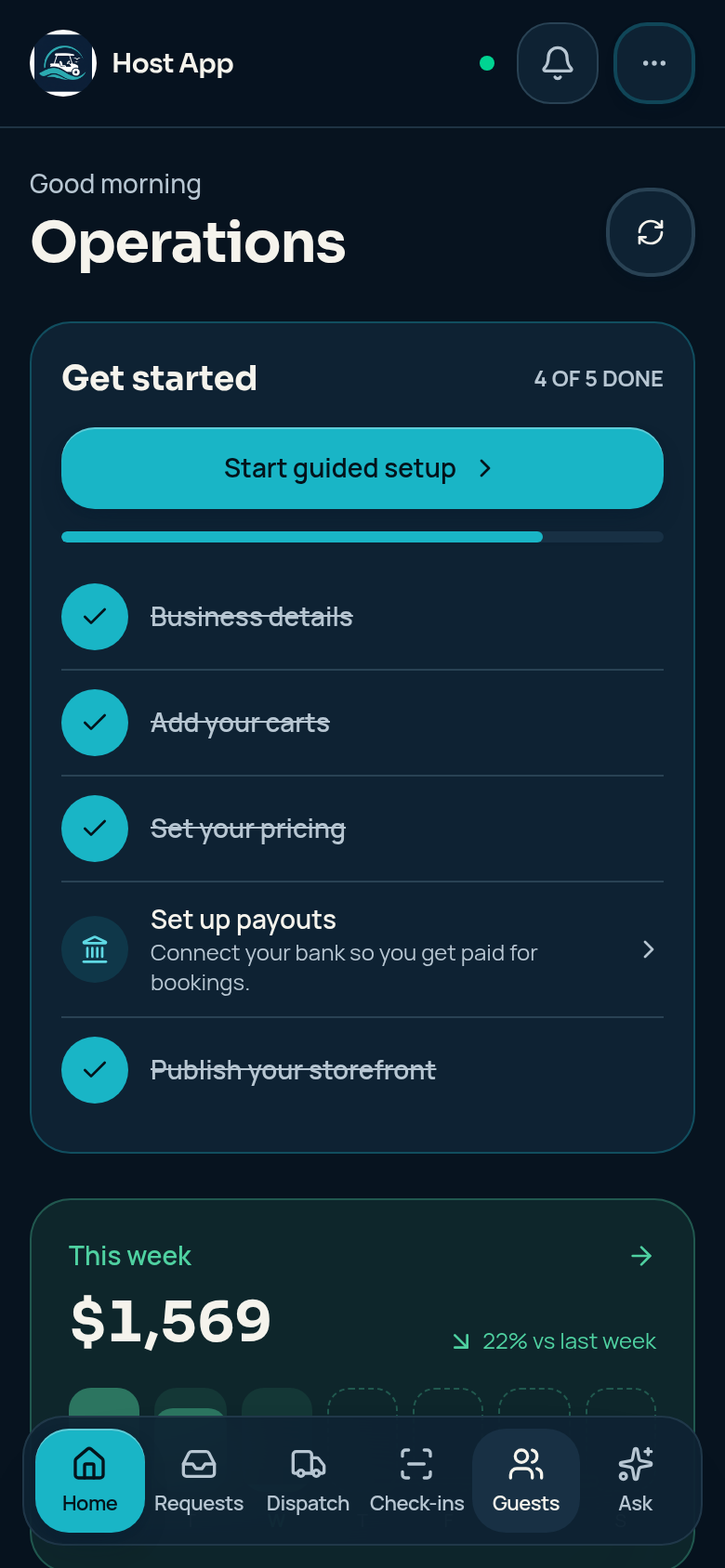
Add your business details, cart photos, seating and rates. Set availability, connect payouts and finish publishing through the guided setup.
Try a rental before you sign up
Explore Sandpiper Cart Co., a sample six-cart fleet. Follow a test booking through Dispatch and see how a rental moves from reserved to returned.
Open Fleet, pick a sample cart and choose rental dates with pickup or delivery.
Complete the sandbox checkout. Use test details, not your real card or personal information.
In Dispatch, mark ready, hand off and return the cart. Then open its rental receipt.
Test payments only. No real rentals, charges or bank payouts.
Start with marketplace bookings, add your own website and fleet operations, or bring multiple workspaces and a team together.
Marketplace listing
Free
15% on marketplace bookings
Card processing included
Website + fleet operations
$99 / month
7% on direct bookings
Card processing included
Multi-location + teams
$300 / month
7% commission on bookings
Card processing included
No separate card processing fee. Paid plans begin with a paid subscription.
Compare all plan featuresPreviously loaded screens and eligible handoff, return and Dispatch actions can work offline and sync after reconnection. Previously opened receipts can be available offline, too.
Internet is required to charge cards, confirm queued payments, fetch fresh availability and load a receipt for the first time. A queued payment request is not money collected.
Read the offline limitsMarketplace is free to list, with 15% commission on marketplace bookings. Storefront OS is $99/month with 7% commission on direct bookings and adds your branded website and fleet operations. Enterprise is $300/month with 7% commission and adds multiple workspaces, team roles and advanced analytics. Card processing is included.
The Host App runs in your browser and can be installed on a phone or desktop from the browser. Sign in to your host account to access your business. You do not need a separate Windows or Mac installer.
Previously loaded screens remain available. Eligible check-ins, returns and Dispatch updates can queue until reconnection. Queued cash records and saved-card payment requests are not confirmed payments: they are checked and processed after reconnecting. Card charging, fresh availability and first-time receipt loading need internet.
No. The demo uses a sample fleet and test payments. You can walk through a booking, mark the cart ready, hand it off, return it and view a receipt without changing a real rental business or sending money to a bank.